
Lock Screens for the Overdrawn & Unwell
The Housewives Edit


How to Download
On iPhone
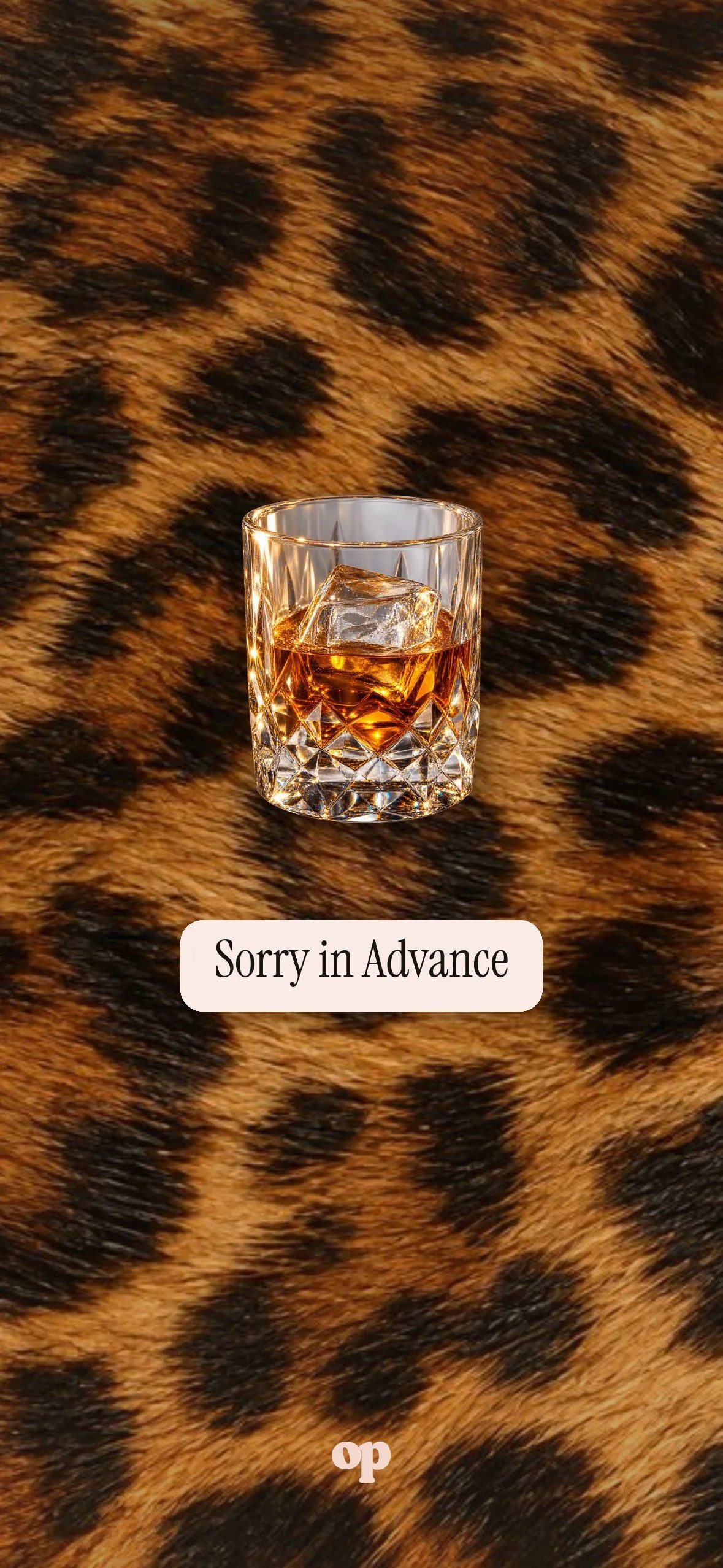
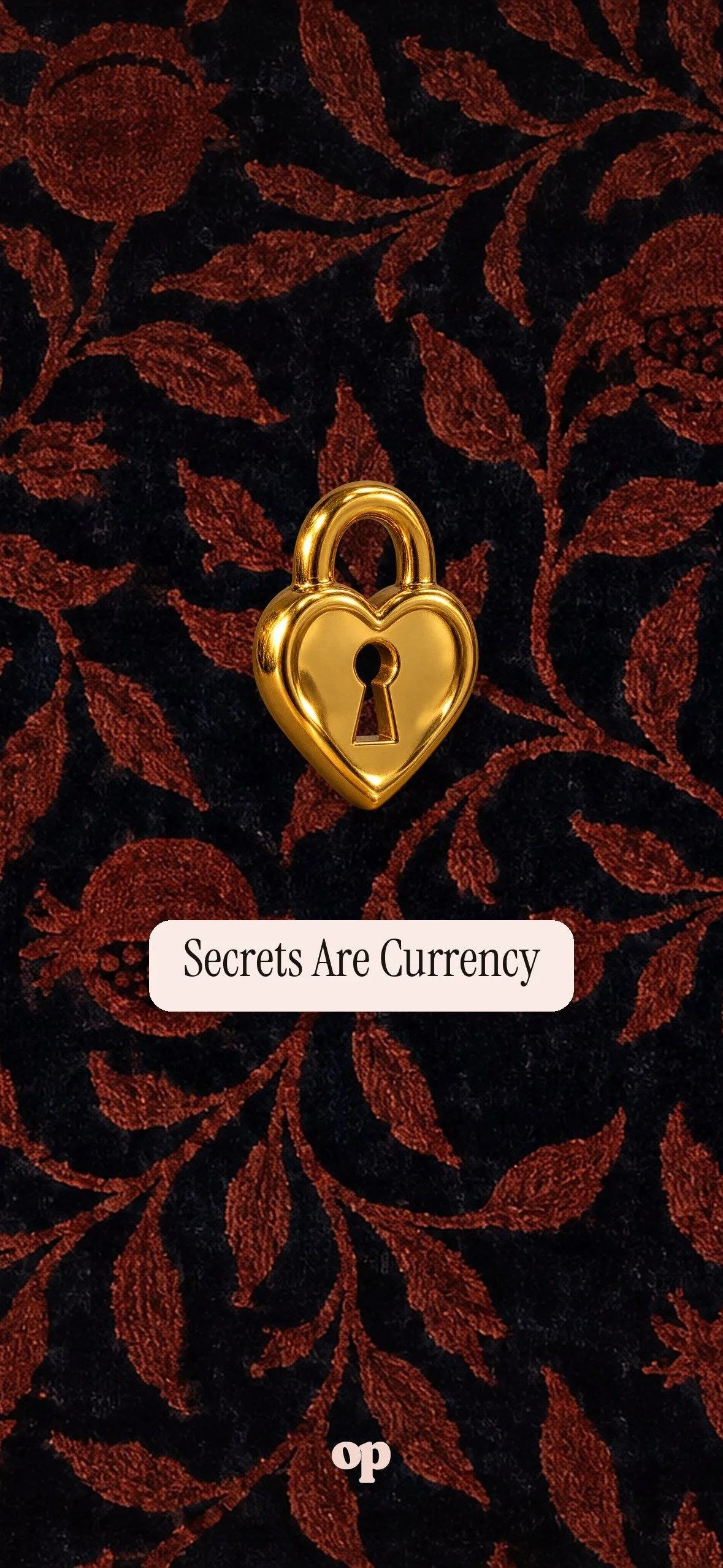
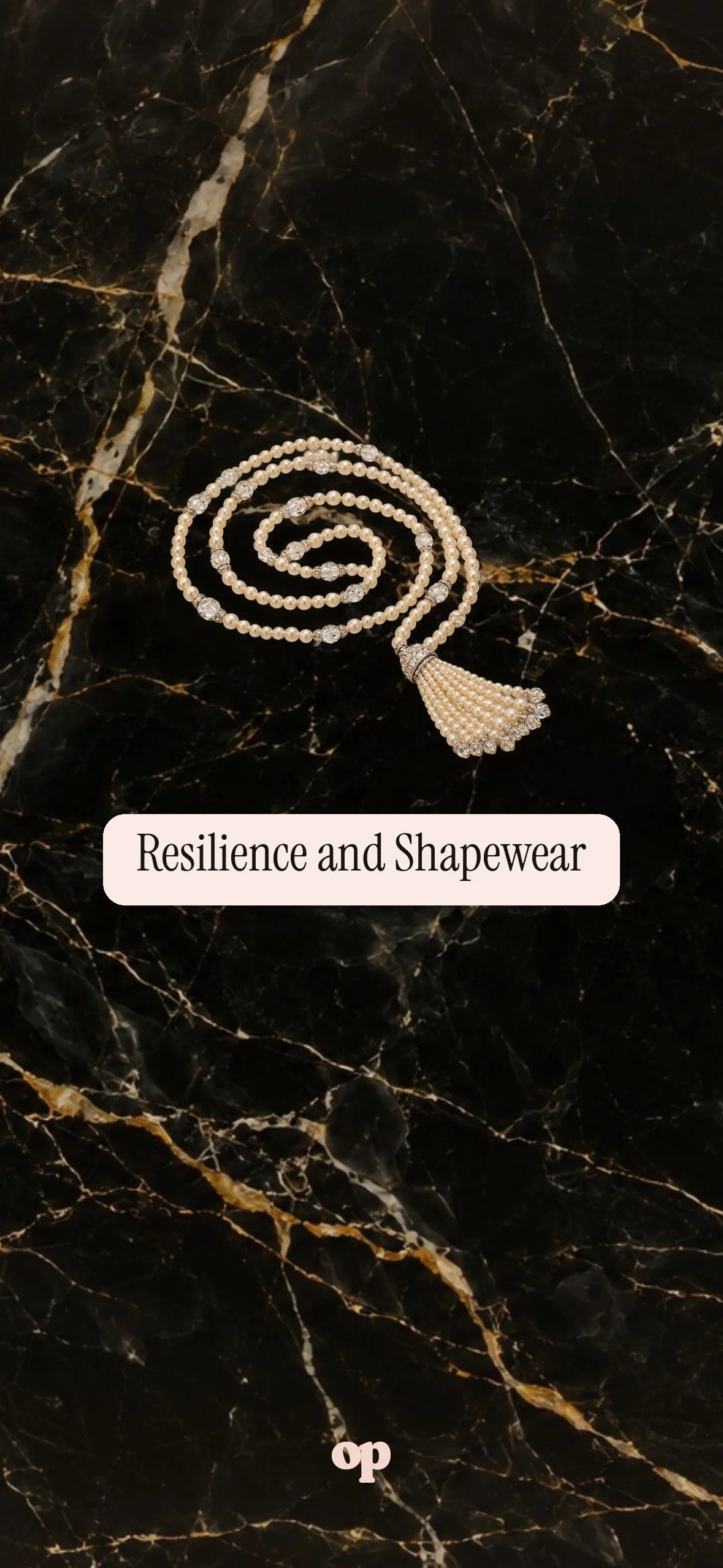
First, tap the screen you want, then press and hold it and tap Save to Photos.
Next, open Photos, tap the image, tap Share, then Use as Wallpaper.
Then pinch to fit it so the clock sits on the clear space at the top. Tap Add, then Set as Lock Screen.
On Android
First, tap the screen you want, then press and hold it and tap Download image.
Next, open it in your photos, tap the three dots, then Use as or Set as wallpaper.
Then choose Lock screen.